SCROLLED
An offline LED banner app with a Skia dot-matrix renderer, scrolling and fitted text, custom colors, and support for different scripts and emoji.
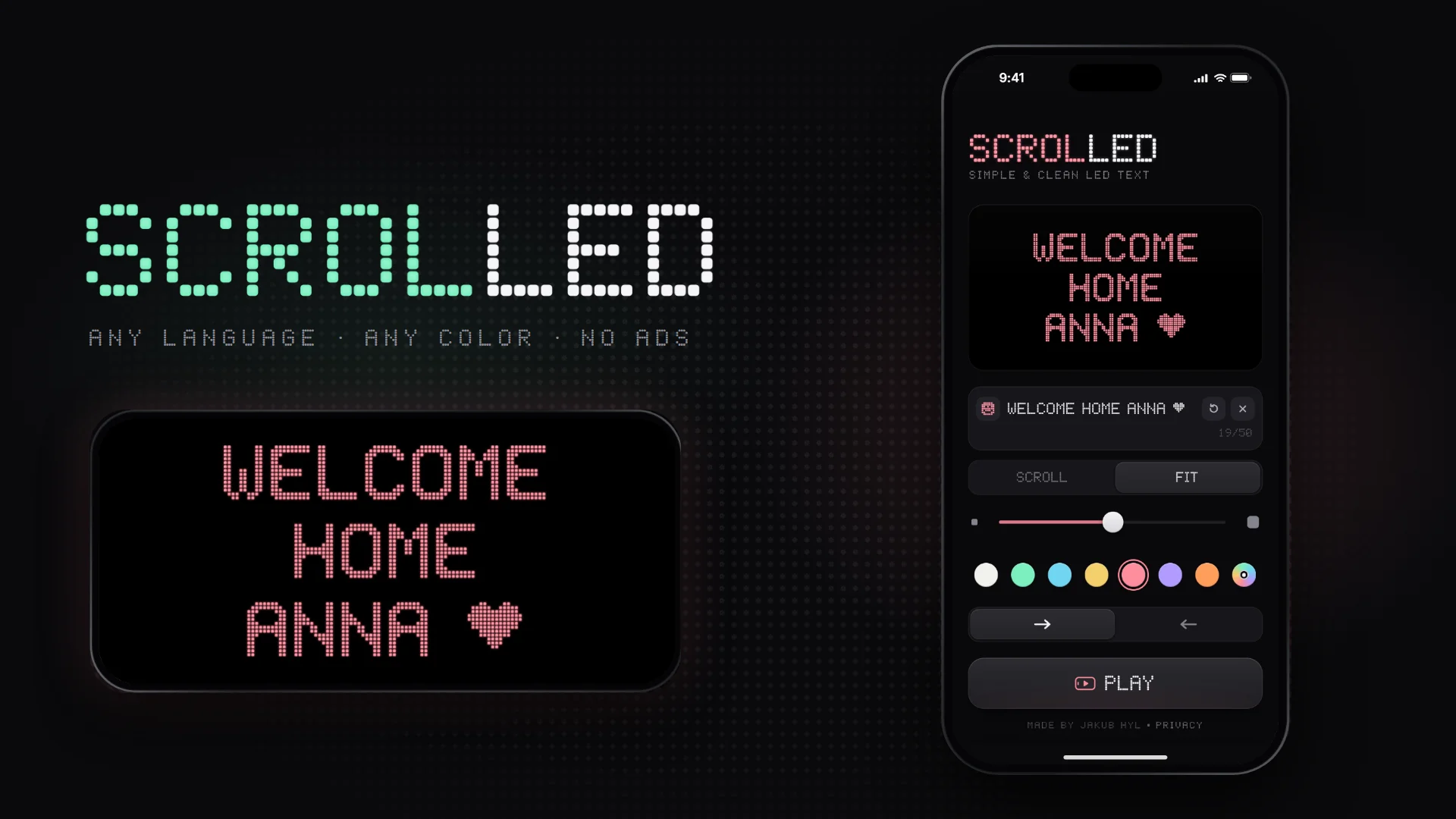
SCROLLED is a small mobile utility: enter a message, configure its appearance, and display it as an LED sign. It is useful when a message needs to be readable across a room, from an airport pickup to an event.
I built it with React Native, Expo, TypeScript, and Skia. The project concentrates on rendering and text layout rather than a backend. The app works offline and keeps the last message and display settings on the device.
From editor to full-screen sign
The editor keeps the controls close to their result: message text, size, color, direction, and a preview. Playback turns that configuration into a full-screen display. Returning to the editor makes it possible to adjust the same message without starting again.
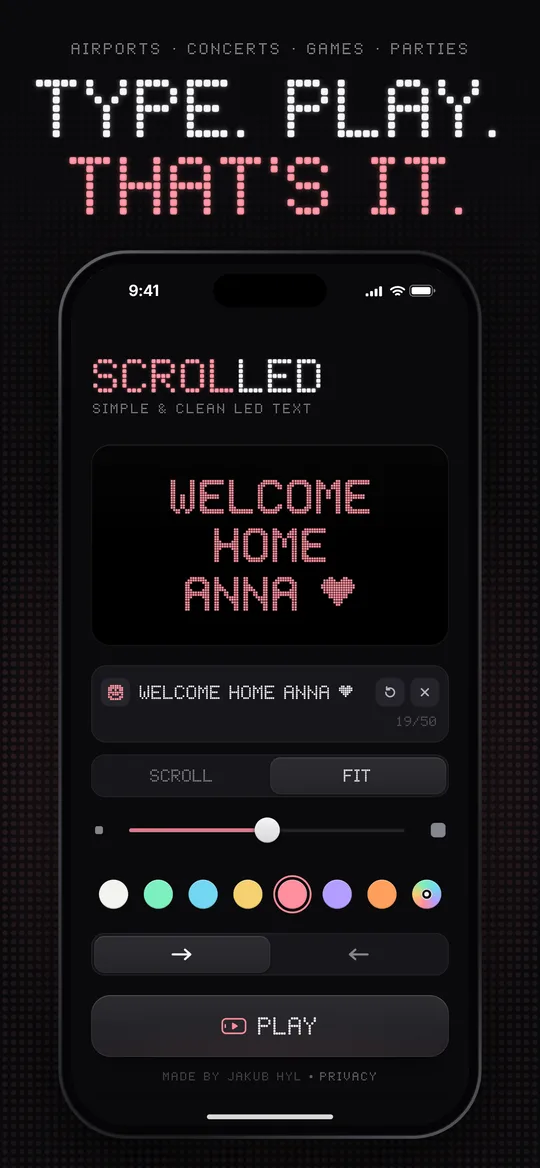
There are seven preset colors and a custom picker with a color wheel, hex input, and RGB values. Built-in LED icons offer another way to compose a message without adding a separate image workflow.
Two different layout problems
Scroll and Fit solve different constraints. Scroll lets a long message travel across the screen. Fit arranges up to 50 characters into one to three lines at the largest size that fits the available space.
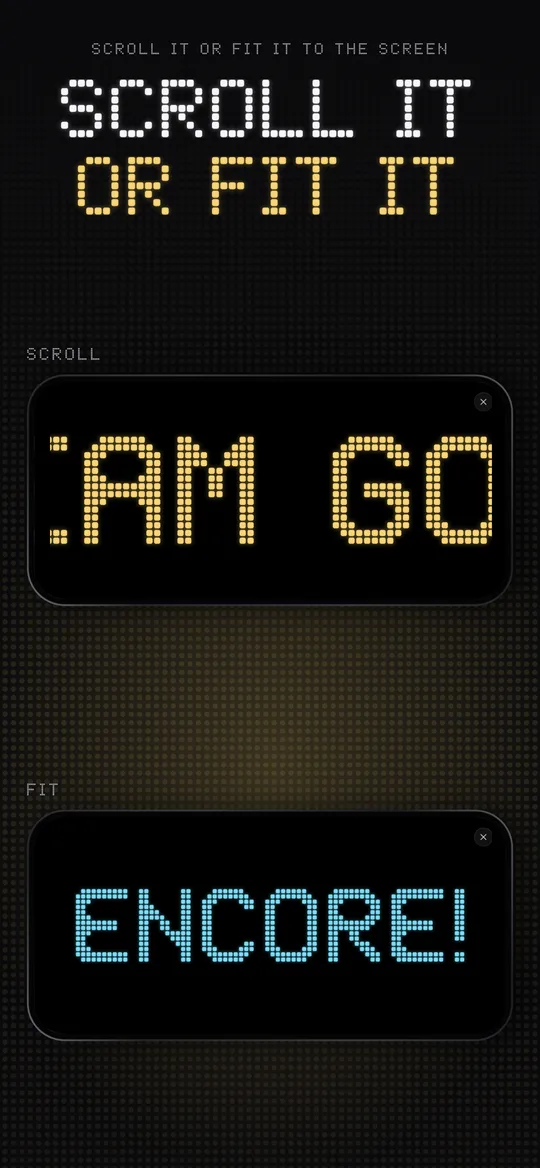
This makes text layout part of the product's core behavior. The result must remain readable when a message changes length, uses emoji, or switches writing system. Arabic and Hebrew are displayed with joined, right-to-left text, and the overall text direction can be selected in the editor.
Drawing the LED display
Skia draws the dots on the UI thread at the display refresh rate. A dot-matrix display gives the app its visual character, but the rendering still needs to support smooth motion and readable characters.
The important distinction is between editing the configuration and presenting it. While the user is editing, the interface needs understandable controls. During playback, the message itself takes priority over the surrounding interface.
A deliberately local utility
SCROLLED does not need an account or a remote service to do its job. It makes no network requests and has no ads, analytics, or in-app purchases. The last message and settings are stored locally.
That is a small architecture with a clear boundary: the phone supplies the input, stores the configuration, and renders the result. There is no synchronization or server state to explain to the user.
Development notes
Key Highlights
- •Skia rendering on the UI thread at the display refresh rate.
- •Scrolling text and fitted layouts of up to 50 characters.
- •Custom colors, text direction, emoji, and built-in LED icons.
- •Local message and settings persistence; no account, ads, purchases, analytics, or network requests.